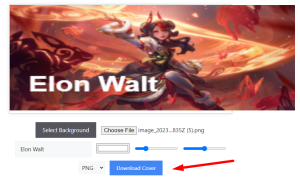
Creating a cool League of Legends-inspired Facebook cover with your name is super easy and looks awesome!
How To Use League of Legends Facebook Cover Maker
Here are the steps to make a Facebook cover photo:
Step 1: Click on the Select Background button

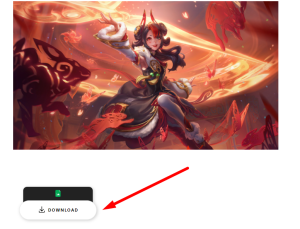
Step 2: Download any wallpaper you want as a background by Clicking the Download Button.
Step 3: Click on the Choose File button.
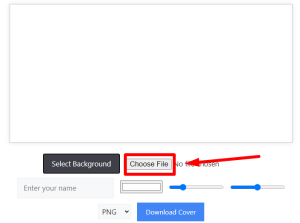
Step 4: Now select the downloaded wallpaper.

Step 5: Enter your name in the enter your name section.

Step 6: Change the size of your name and the brightness of the background image according to your choice.

Step 7: Download the image in any format (PNG, JPG, and WEBP) according to your choice.